Application decisionsDesign the data journey from approved order to applied label
A printer receiving a message is only one step. A dependable label workflow also controls which data is approved, which template uses it and how the physical label is reconciled with the production record.
Decision 1Map every printed field to an owner
Create a field list for product code, description, batch, dates, serial number and customer-specific values. Record the authoritative source, format, permitted length and approval rule for each. Identify values calculated at print time and who owns that calculation. Conflicting values in an ERP, MES and local spreadsheet should be resolved before a printer interface is designed.
Decision 2Choose a trigger with an identifiable job
Describe the event that requests labels: order release, pack detection, operator selection or another production event. Give each request a traceable identifier and define its quantity and destination. File exchange, database access and APIs have different operational needs; choose from the actual systems’ supported interfaces. Do not assume that a printer connection alone provides a complete business-system integration.
Decision 3Control templates and product variants
Associate the authorised layout and version with the correct product and market or customer requirement. Validate mandatory fields before releasing the job. Challenge a wrong template, missing field and value that exceeds the print area. A syntactically valid barcode can still represent the wrong item, so compare its meaning with the approved production requirement.
Decision 4Distinguish queued, printed and applied
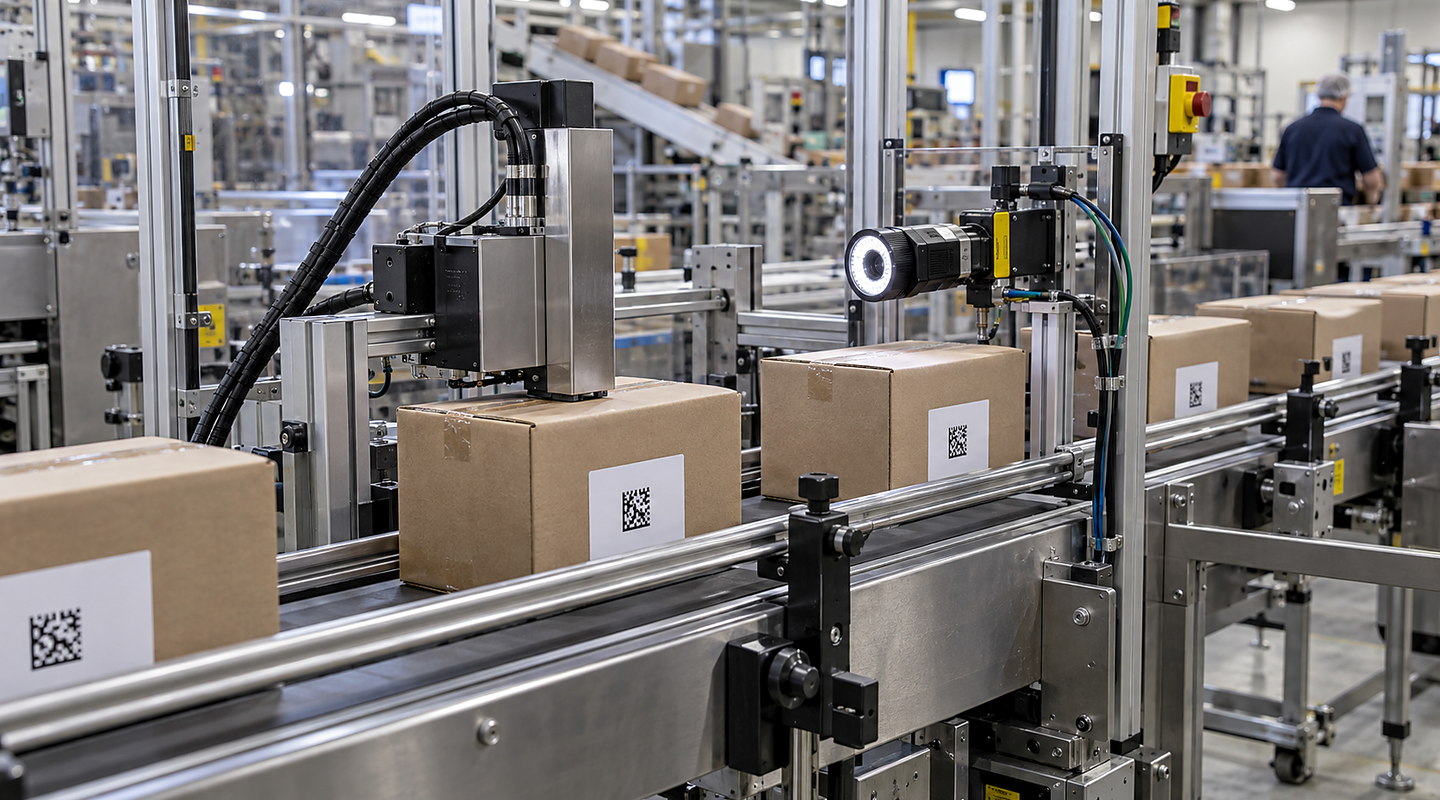
Decide which acknowledgements are available at each stage. A queue accepting a job does not prove that media passed the printhead or that the label reached the right pack. Where the workflow needs confirmation, include printer status, inspection and application events in the agreed design. Define what evidence is retained and which exceptions prevent the job being completed.
Decision 5Make reprints and retries deliberate
A lost response can leave uncertainty about whether a label already printed. Specify how the system identifies a repeated request and which users may authorise a replacement. For serialised labels, agree cancellation and reuse rules with the identifier owner. Test printer faults, network loss and power recovery so a retry does not silently create an uncontrolled duplicate.
Decision 6Test with a small exception matrix
Use a representative job with approved values, then challenge an absent value, invalid date, unavailable printer, cancelled order and interrupted connection. Compare the request, visible label, decoded data and final record. Keep test data separate from real production identities. Agree access permissions, retention and support ownership before the workflow becomes part of normal operation.